
I recently set up a self-hosted AFFiNE server behind a Cloudflare Tunnel. I’m getting sick of paying for Notion and the AI bloat is making the product very annoying to use.
In my mind it was a Simple Recipe (tm): Mac Mini + Docker + Portainer + Affine and then Cloudflare to make it available to the Affine Apps outside of the network.
Except it didn’t work on Cloudflare at ALL. I could log in and get into a workspace and then… nothing.
The normal web interface worked, HTTPS worked, and I could log in, but AFFiNE's actual workspace sync would not work properly.
The symptoms were confusing:
- AFFiNE loaded normally over https://
- Login worked
- GraphQL requests returned 200 OK
- I could create workspaces
- Other devices could see the number of workspaces increase
- The actual workspace contents did load at ALL
- AFFiNE eventually showed "Real-time connection failed"
This was driving me MAD and I was about to give up and set up NginX instead when Gemini finally suggested a fix after me yelling at it for an hour and testing every single possible thing in the Console.
The key was AFFiNE's Socket.IO connection, or rather how Cloudflare was handling it.
Testing Socket.IO
AFFiNE's realtime connection was working perfectly when accessed directly on the server. Locally on the machine = A OK 👌🏽
I also tested it from another Docker container on the same Docker network - all good. Nothing wrong there.
But the same request through Cloudflare returned AFFiNE's normal HTML page instead of the Socket.IO response. Cloudflare was blocking it.
So AFFiNE was fine.
Docker networking was fine.
The problem was somewhere in the Cloudflare Tunnel connection.
After spending way too long digging through every single Cloudflare setting, the fix was the protocol that Cloudflare uses to communicate through the tunnel.
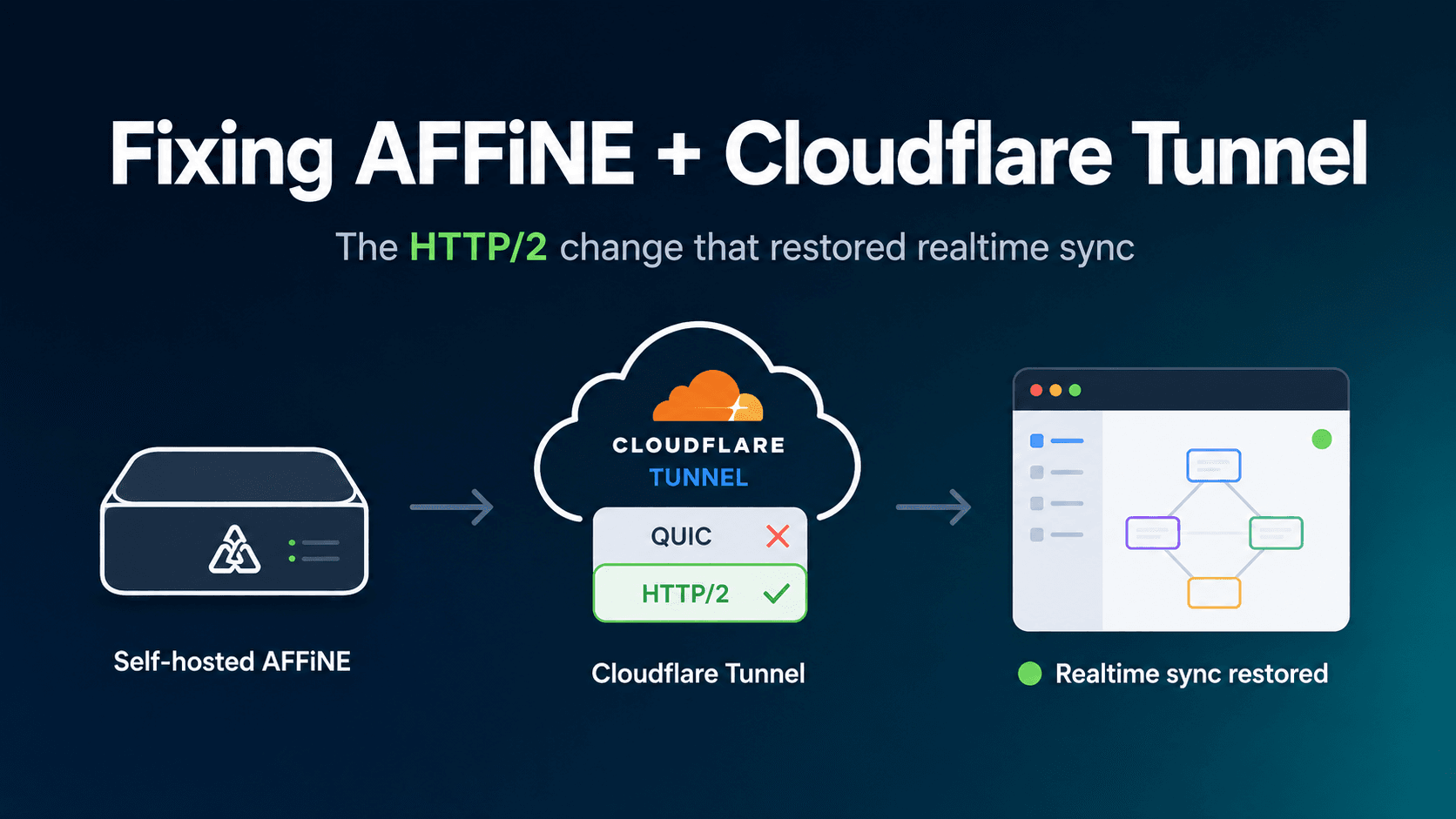
The fix: force cloudflared to use HTTP/2
My cloudflared container was using QUIC as its tunnel transport.
I recreated the container and forced it to use HTTP/2 instead:
docker rm -f cloudflared && \ docker run -d \ --pull always \ --name=cloudflared \ --restart=unless-stopped \ --network=affine_default \ cloudflare/cloudflared:latest \ tunnel --protocol http2 --no-autoupdate run --token 'YOUR_TUNNEL_TOKEN'After making that change, AFFiNE's realtime connection started working.
Workspace contents began syncing properly between browsers and devices.
If you have the same problem
If AFFiNE works normally but stays stuck on Syncing, shows Real-time connection failed, or workspaces appear without their contents, test the /socket.io/ endpoint directly.
If it works locally but not through your Cloudflare hostname, try forcing cloudflared to use HTTP/2.
This may not be the cause of every AFFiNE sync problem, but in my setup changing the Cloudflare Tunnel transport from QUIC to HTTP/2 was the change that finally got realtime sync working.
P.S.
At this point, I’m just writing this down so I can remember how to do this if I ever go through this again. Or my next docker pull somehow overwrites the Cloudflared settings…
P.P.S
For everyone who told me to use Tailscale - you’re right. I should have done that. But I was just too stubborn to stop fighting with this once I could not get it working.
P.P.P.S. In retrospect, the amount of time I dedicated to this would have paid for several years worth of Notion. This was probably not a good idea. Still satisfying that I got it to work (eventually).
Latest
More from the site
Lester
Overhead is everything
Any new thing that enters your life comes with some form of overhead. Buying a new thing, trying out a new system, making a new acquaintance - it all comes with admin. Almost nothing simply enters yo
Read post
Lester
Ai in the wild
While out shopping with my daughter I noticed that one of the stores was using Ai generate product photos. This seems like an obvious use of the technology, but it was till fascinating for me to actua
Read post
Lester
More AFFiNE tuning to make it stop crashing.
I’ve been moving over from Notion to AFFiNE and the docker container kept crashing. TLDR: if you’re not using the AI features, turn off the copilot process in AFFiNE. Specifically it ran out of memor
Read post