I’ve been (happily) using Quotion to run this blog for the last two years. Back when I started using the tool, I was very focussed on finding ways to simplify my life and the Wordpress blog I was using felt anything but. Now I’ve reached the limit of what I want to do with it so I’ve built my own blog platform - BoCin.
In the beginning, Quotion was everything I needed and nothing I don’t. Write a note in Apple notes and it goes live. It’s a wonderful tool and you should definitely try it. Irrespective of my move away from the tool, I think it’s brilliant for the right kind of user.
Over time I felt a number of small things on my site nagging at me. The spacing that wasn’t just so or the way the titles rendered below the images on the home page. There are ways to fix many of these issues in Quotion using custom css, but with every fix and edit, if felt like I was moving back towards complexity. Back towards “things to keep track of”.
The straw that did the camel in at last was image sizes. Just out of interest I ran a page speed test on my side. The results were not great. Images were massive, not optimised and trashing my FCP. And there was absolutely nothing I could do about it.
This lack of control was what sent me chasing after a new tool. I interviewed Hugo (too finicky) assessed Ghost (too sprawling ) and even thought about going back to Wordpress(!). Nothing was really what I wanted.
Eventually, while building a new personal relationship management tool for myself (Marbles) I thought - what the hell, why not build the publishing platform I actually want?
And thus BoCin was born (pronounced like boatswain, a word I love because of how diabolical it is).
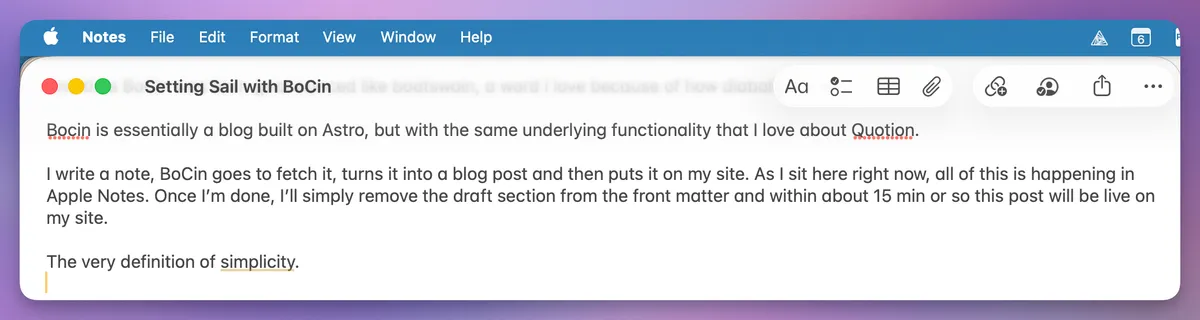
Bocin is essentially a blog CMS built on Astro, but with the same underlying functionality that I love about Quotion. It pulls in Apple notes and puts out HTML.
I write something in Apple Notes, BoCin goes to fetch it, turns it into a blog post and then puts it on my site. So I can run my blog completely on Apple notes without effort. Well, no effort other than building the tool.
As I sit here writing now, all of this is happening in Apple Notes. Once I’m done, I’ll simply remove the draft section from the front matter and within about 15 min or so this post will be live on my site.
It’s the definition of simplicity.
Building a blogging platform with an AI coding assistant.
I can’t code. Nothing beyond some basic HTML and CSS really. So in order to build my own tools I (like the rest of the world) has been using a combination of AI coding tools to help me ‘build with prose’. Sometimes I build with Lovable, sometimes Qwen running locally in Ollama and sometimes, as in this case, it’s Codex.
As is my usual process, I spent the bulk of my time chatting about HOW the tool would work and what it would it do long before I asked Codex to write the first line of code. In this case the answer to the most important question - who is this for - was easy: Me!
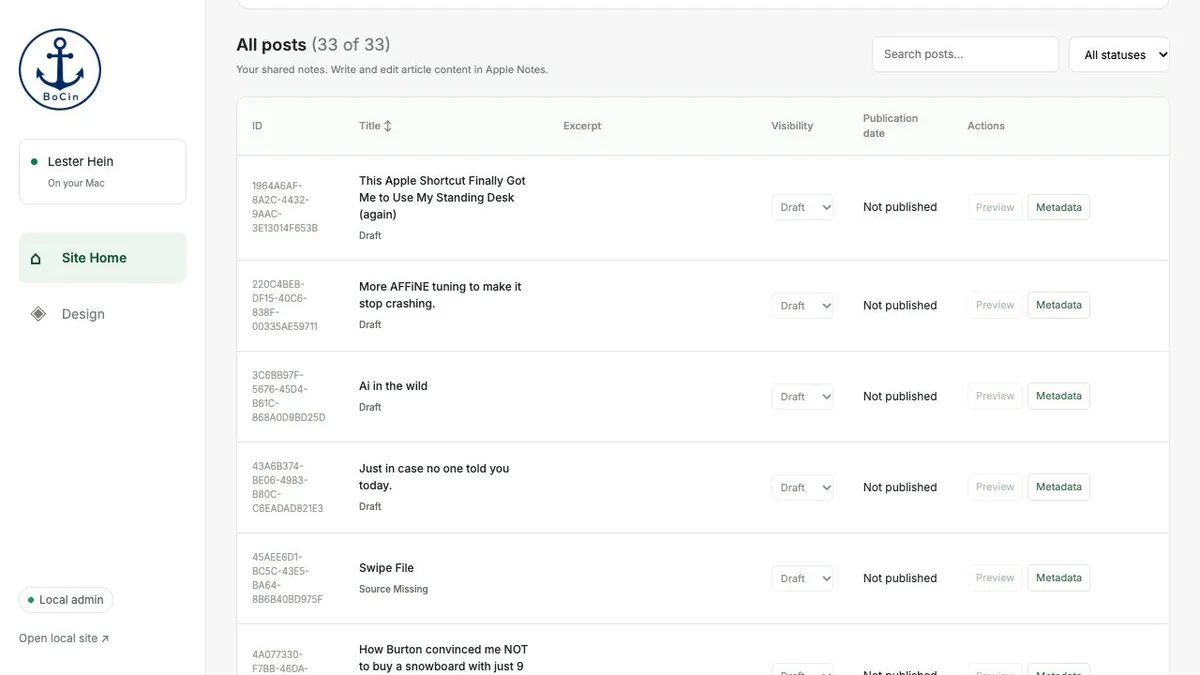
As for the problem statement, that was also easy to define: a blog that is built on based on Apple notes. So after getting the spec Markdown document in good shape, I set off asking the model to build me mockups of screens that I would need: settings, admin, analytics tracking etc. We refined over time and then got the real deal going. Within about 2 days, I had the admin up and running (although only locally on my Mac Mini).
The scary part - giving AI computer use authorisation.
Working with the Computer Use function on ChatGPT was the scariest part of this build. It’s an eerie feeling to see the mouse dart across the screen knowing that there is a pseudo-sentient thing controlling it in service of my app build.
If I’m honest, it took me a good long time before I felt comfortable giving this access. I even had to make a new machine profile for ChatGPT, just to make sure the machine stays in its lane and doesn’t get in to all of my personal stuff.
The boring parts
Like any project, there’s more boring stuff to solve than there are excited moments. Here are but a few:
- AWS configs. So. Many. Settings.
- Figuring out why the app ballooned to 19GB in size (bad devops practices)
- Figuring out why the git repos were not working correctly (codex died mid-commit)
- Debugging publication issues (and debugging AWS not accepting publication)
- Figuring out why front matter wasn’t working in some cases (case matters)
- Learning about IAM policies
- Reading up on good software backup policies
And the list goes on. Overall I like that it extends me a little bit out of my comfort zone and helps me get exposed to things I might otherwise never encounter.
Software is still hard, even with Ai.
While Codex did build me a working tool, it had several problems. Because it didn’t specify how to handle errors, an AWS publication error triggered an endless loop, with each loop creating a new build package. Eventually the total number of packages reached 19GB and my Mac mini gave up the ghost. These are very basic things that an experienced developer would 1) know not to do and 2) probably notice before it killed the host machine.
Tools like Codex look and feel like magic but sometimes the illusion doesn’t hold up to close inspection. I foresee a lot of troubleshooting and debugging in my future, including getting frustrated with the decisions that the tools make.
For now, I’m having fun building BoCin and I’m sure I’ll keep plugging away at it for a few more months before I’m 100% happy with it. I do like that it’s mine and that I can make it work just so, just for me. It gives me a certain degree of satisfaction knowing that I’m working with a bespoke tool, even if it just to write down what amounts to brain doodles that only 2 people on the internet will read.
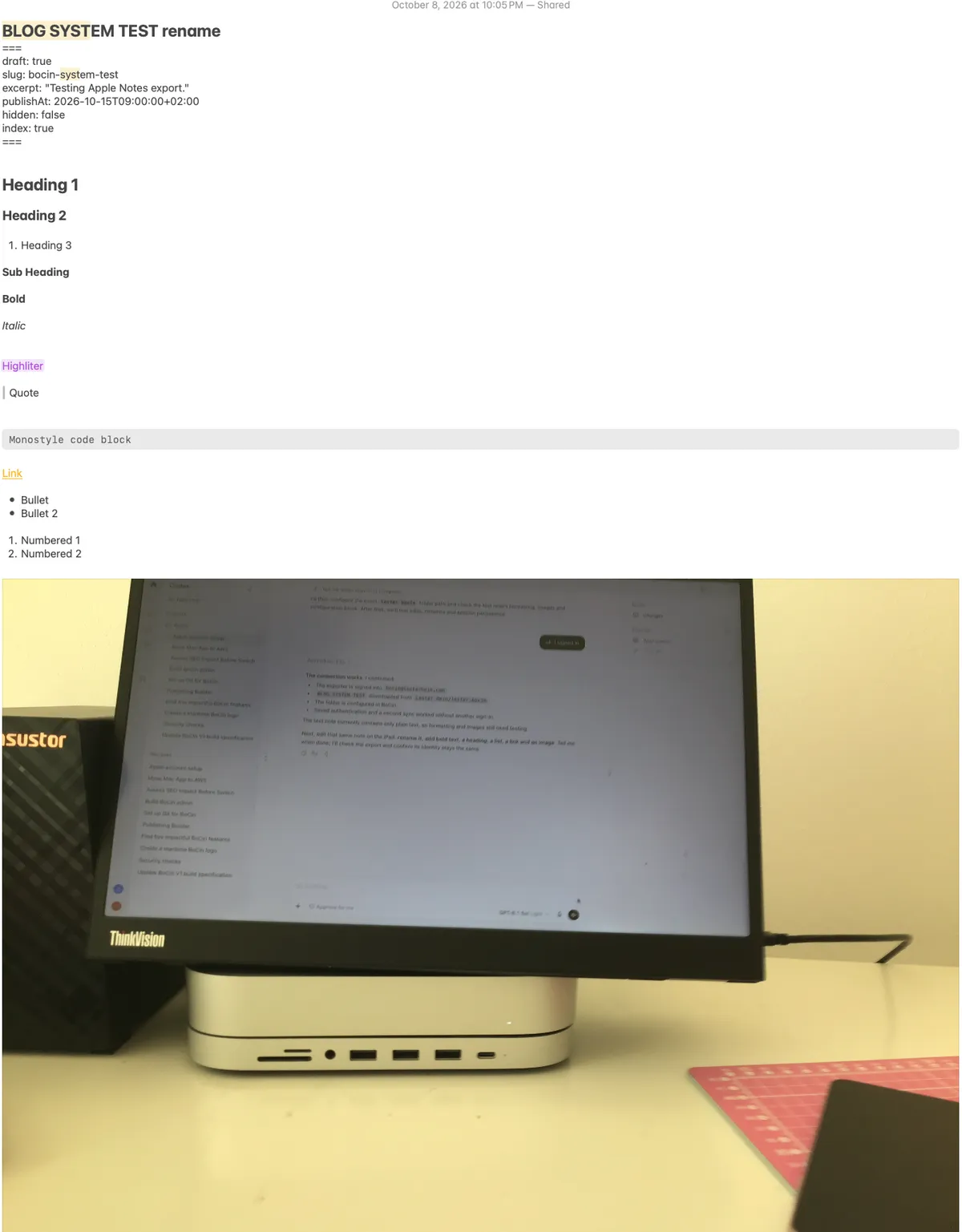 Testing out the different functions to make sure they display correctly on the blog.

This blog post is 100% human written by me, Lester Hein, which is why it’s probably full of mistakes, errors and other things that a machine would not do. Take that as you will.